Active delay
Dual-path delay. Lock the loop and reshape it.
Windows and macOS. FreeNo account required

Delay your sound
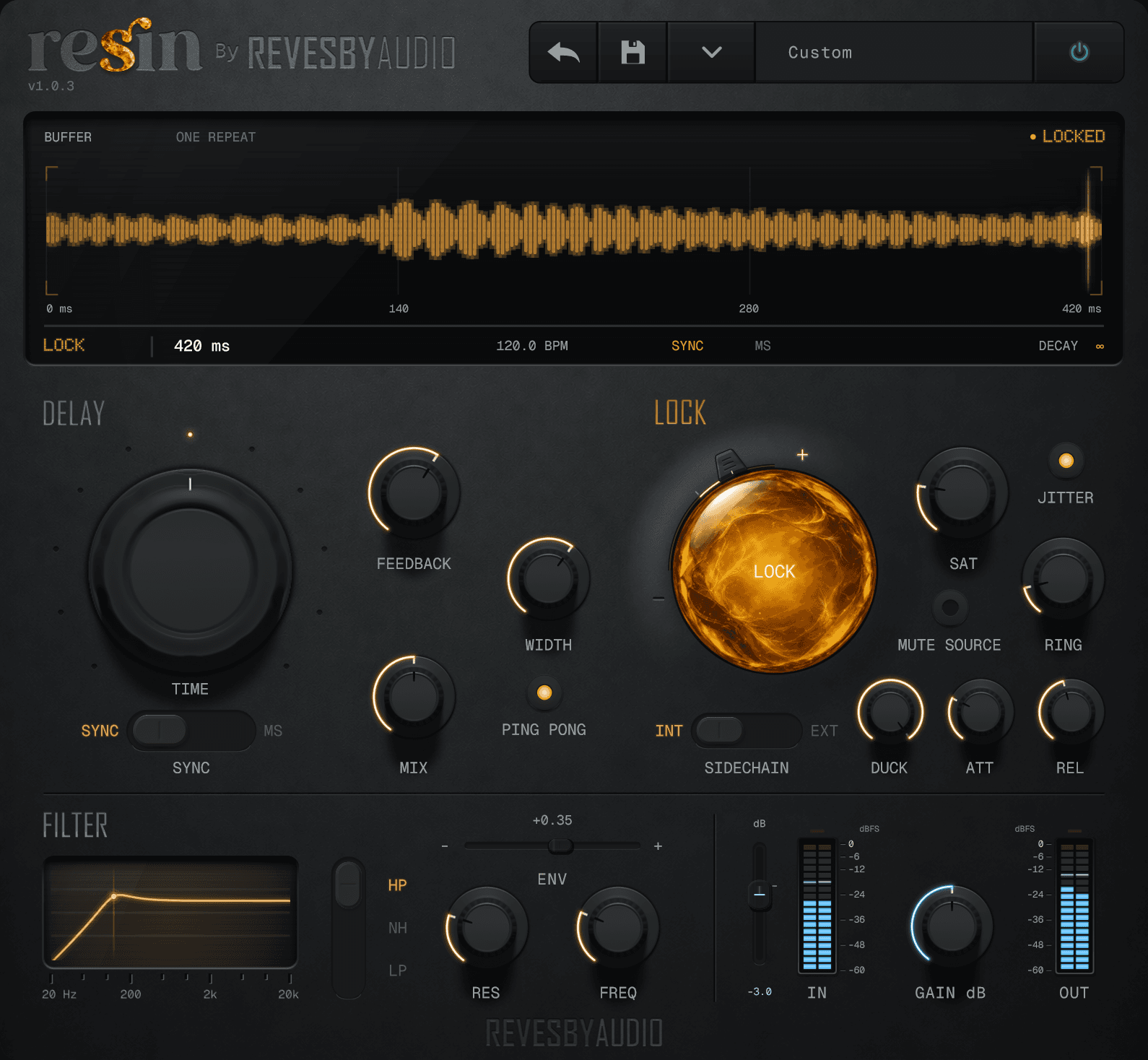
Set the delay in sync with your track or switch to milliseconds for free timing. Dial in anything from tight rhythmic repeats to wider, drifting echoes, then shape the result with feedback, width, Ping Pong and mix.
Capture the loop
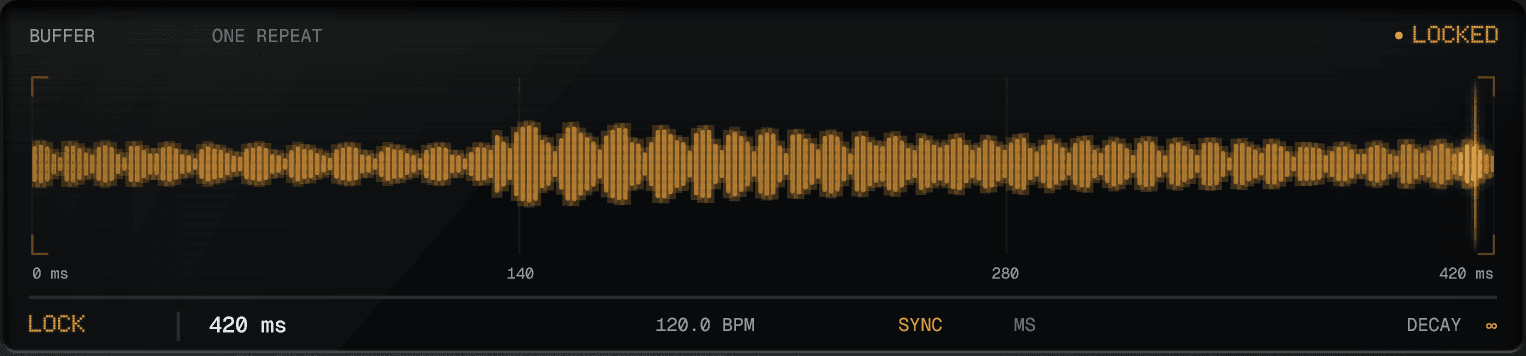
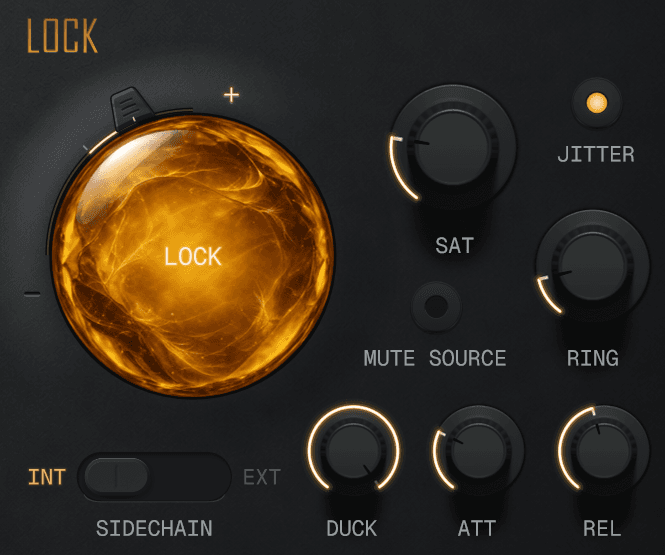
Use Lock to capture and repeat the delay buffer while the live delay continues independently.
Reshape it
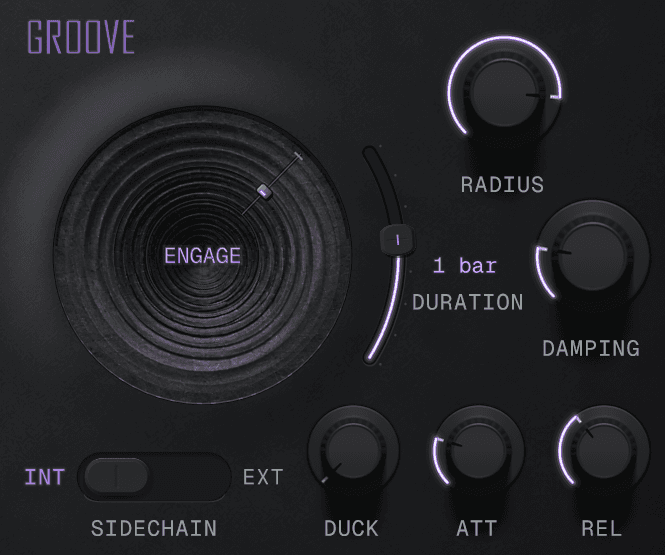
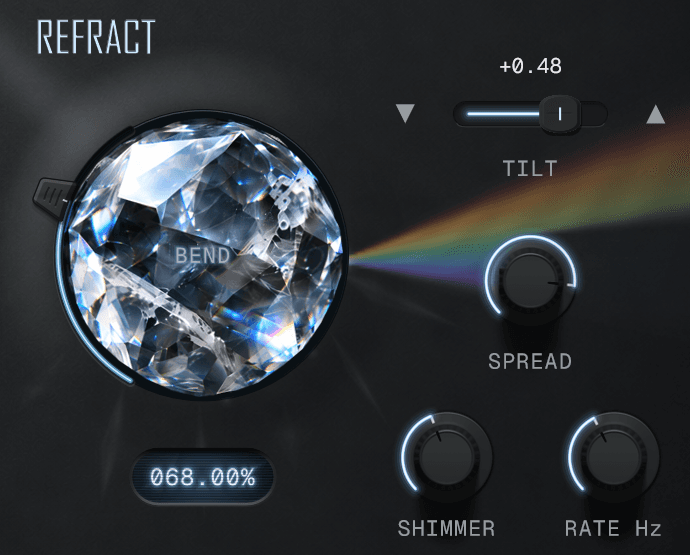
Crank the saturation, or run it through ring modulation to seriously alter your sound.
Lengthen or shorten the captured loop, shifting its pitch. Add Jitter and sidechaining for a reactive, evolving sound.
Sculpt it
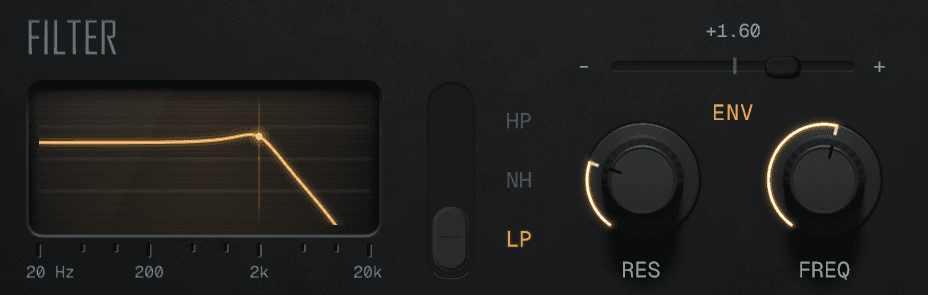
Shape the combined signal with resonant high-pass, low-pass and notch filtering. Modulate the cutoff from your input or an external sidechain.
Features and requirements
| Delay time | 1–4,000 ms, or 11 sync divisions from 1/16 to 1/1, including dotted and triplet values. Maximum delay: four seconds at 44.1–192 kHz. Time changes shift the pitch. |
|---|---|
| Lock | Capture and repeat the delay buffer. The Lock handle adjusts the captured length; Jitter adds a subtle evolving bounce. Saturation sits inside the loop, so its colour builds with each repeat; ring modulation colours the locked output. A separate live delay remains active. |
| Stereo | Ping Pong alternates echoes between channels. Enable it after a normal capture to add an evolving stereo echo around the loop. Width adjusts the wet signal from mono to wide. |
| Filter | High-pass, low-pass and notch modes with resonance. ENV moves the cutoff in response to the input or an external sidechain. The filter processes the combined dry and wet signal. |
| Duck and source | Duck lowers the locked loop using the input or an external sidechain, with adjustable attack and release. Mute Source removes the dry signal and new audio from the delays. |
| Output | Input gain from −24 to +12 dB, dry/wet mix, ±18 dB output gain, input and output meters, and bypass. |
| Requirements | Windows 10 or 11 (64-bit VST3), or macOS 12 or later (universal Apple Silicon/Intel VST3 and AU). Mono and stereo tracks supported. |
| Controls | Factory and user presets, a resizable interface and DAW automation of effect parameters. Hover over or adjust a numeric knob to show its value on the screen; the readout stays after the pointer leaves. |
Download Resin
Install Resin, then restart your DAW or rescan its plugins. Full version, with no account required.
SHA-256 checksum
Resin-1.0.4-Windows-x64.exe
803993c67fe4668b4841bbfa9ead5b0419a779f6ad93aeebd98cee6a0557d250SHA-256 checksum
Resin-1.0.4-mac.dmg
1c3912ee1c9723a5b395cdeb97274aed86503beed21ed303cd117e273df529da
Windows 10 or 11, a 64-bit Intel or AMD processor, and a VST3-compatible DAW.macOS 12 or later, Apple Silicon or Intel, and an AU- or VST3-compatible DAW.Installation notes
Changelog
- Now listed under Revesby Audio in your DAW, alongside Revesby Dynamics. Rescan plugins if the previous maker name still shows.
- Sound, controls, presets and registration are unchanged, and existing projects open as before.
- Added macOS support: universal Apple Silicon and Intel builds in VST3 and AU formats.
- Refined the interface with graphite controls, amber and metal logo treatments, and improved lighting and shadows.
- Parameter readouts now remain visible after hovering over or adjusting a control.
- New instances start with the delay synced to 1/8 dotted notes. Existing projects retain their saved timing.
- Removed the decorative AM panel mark. Audio processing, controls and presets are unchanged.
- Added the metallic Altered Matter logo to the panel.
- Initial release.