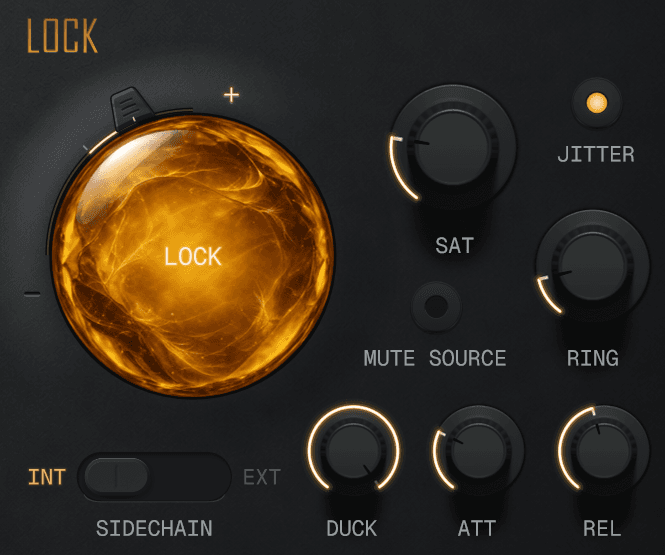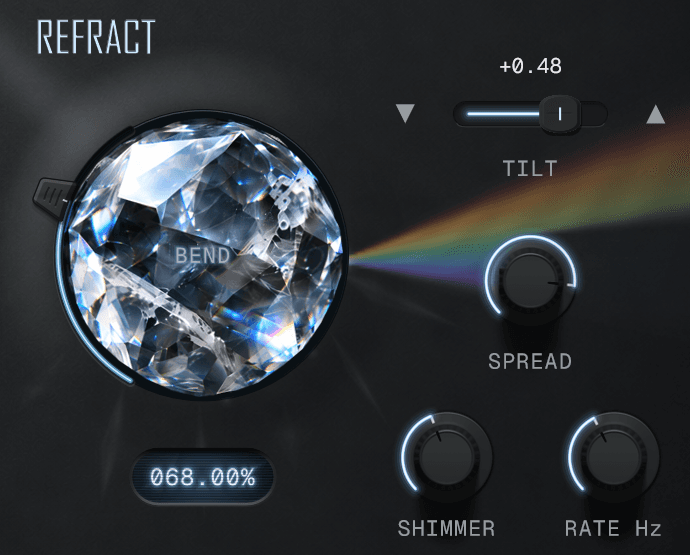
Dynamic saturation
Oversampled saturation with a groove that shifts its colour over a sixteenth note to eight bars.
Windows and macOS. FreeNo account required

Saturate your sound
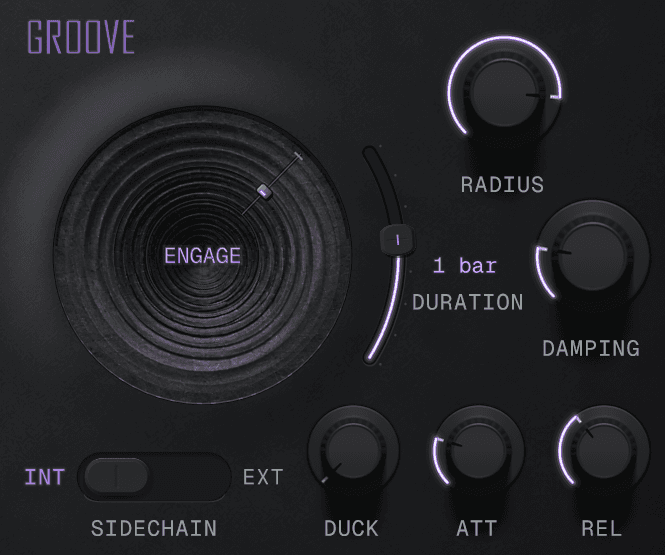
Drive your signal, Shape the saturation curve and add asymmetry with Bias. Level compensation helps balance the increase in gain as you push Drive.
Colour your harmonics with Tone and Character.
Find your groove
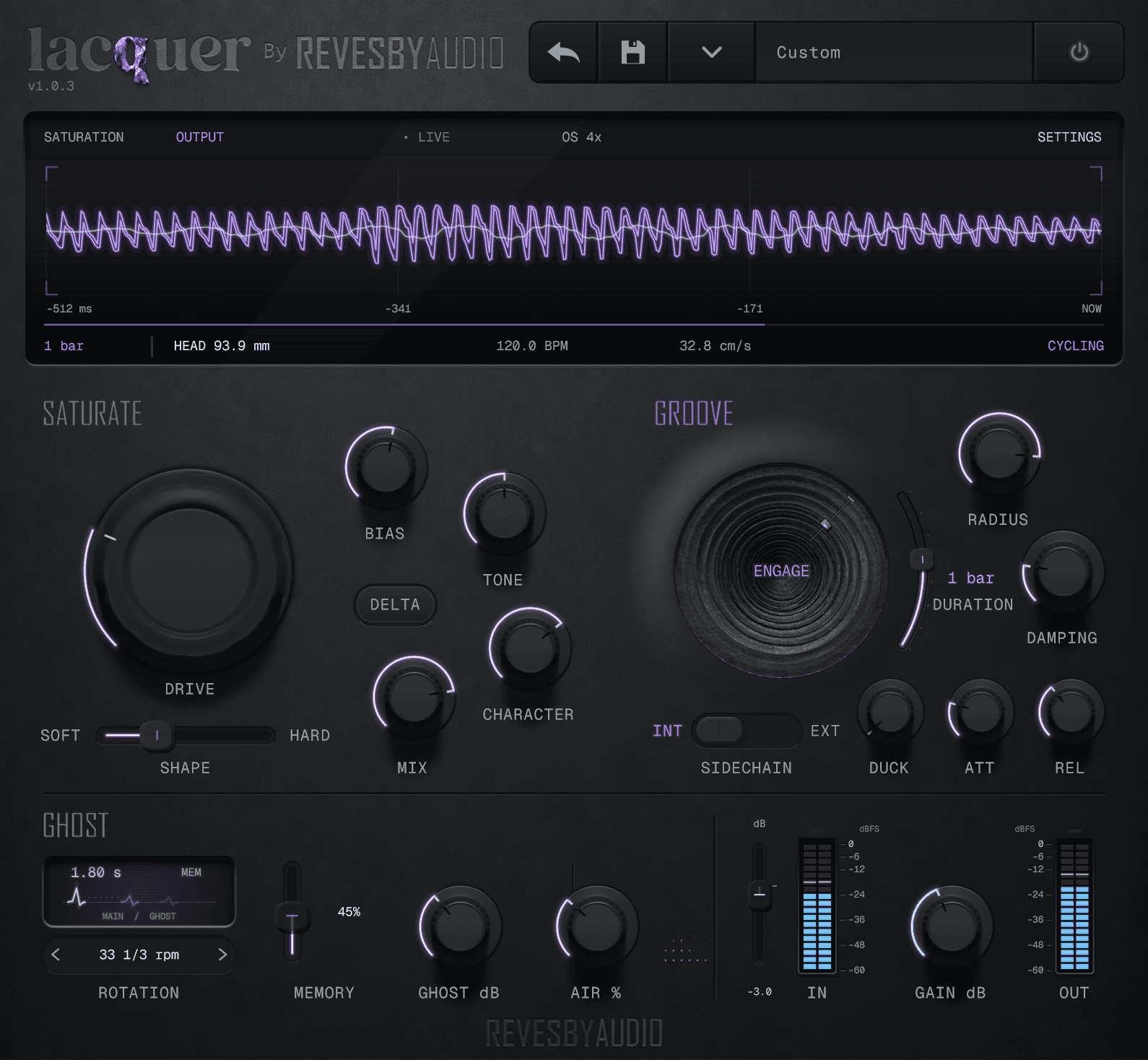
Engage Groove to morph the saturation over time; Duration sets the length of each cycle, from a sixteenth note to eight bars. Deeper grooves add more distortion and soften the top end.
Damping tames high-frequency peaks before they hit the saturation stage.
Add Ghost and Air
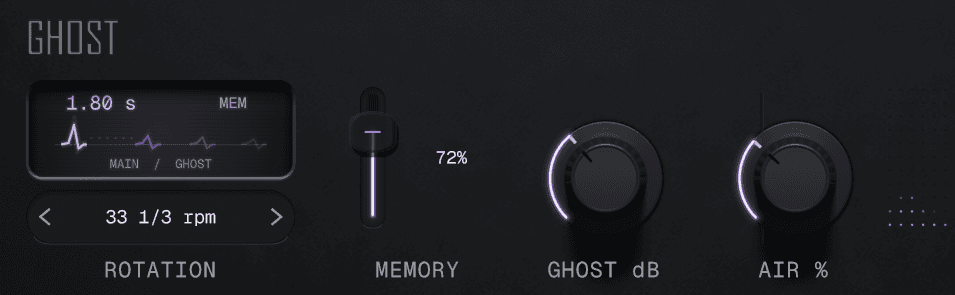
Ghost adds worn echoes after the main sound. Rotation sets their spacing, while Memory feeds them back for longer, increasingly worn repeats coloured by the groove. Air adds upper harmonics.
Features and requirements
| Saturation | Drive, Shape and Bias with automatic level compensation. Tone sets high or low frequency focus and Character colours the harmonics. Oversampling reduces aliasing; 1× has zero latency and higher factors add host-reported latency. Changes apply when the host restarts audio processing; RESTART marks a pending change. Stopping playback alone may not apply it. |
|---|---|
| Groove | Engage starts a repeating inward and outward sweep. Radius sets its depth and Duration selects 1/16, 1/8, 1/4 or 1/2 note, then 1, 2, 4 or 8 bars. New instances and INIT start at 1 bar. Saved legacy durations remain until you edit the handle. Deeper grooves add distortion and soften the top end; Damping tames high-frequency peaks. |
| Ghost and Air | Ghost adds echoes after the source, spaced by Rotation. Memory increases persistence and wear, coloured by the groove. Ghost adds no host latency. Air adds upper harmonics. |
| Sidechain | Duck reduces treble using the input or an external sidechain, with adjustable attack and release. |
| Output | Input gain from −24 to +12 dB, dry/wet mix, Delta audition, ±18 dB output gain, input and output meters, and bypass. |
| Requirements | Windows 10 or 11 (64-bit VST3), or macOS 12 or later (universal Apple Silicon/Intel VST3 and AU). Mono and stereo tracks supported. |
| Controls | Factory and user presets, a resizable interface and DAW automation of effect parameters. Hover over or adjust a numeric knob to show its value on the screen; the readout stays after the pointer leaves. |
Download Lacquer
Install Lacquer, then restart your DAW or rescan its plugins. Full version, with no account required.
SHA-256 checksum
Lacquer-1.0.4-Windows-x64.exe
dd997c4576dc5cb05f723185b659c58aba0c3a92c4eb736239857d5d6c74411fSHA-256 checksum
Lacquer-1.0.4-mac.dmg
178d9563d958bdc03334285fd2ac7217632f4863878178f2ca662769bc0911ac
Windows 10 or 11, a 64-bit Intel or AMD processor, and a VST3-compatible DAW.macOS 12 or later, Apple Silicon or Intel, and an AU- or VST3-compatible DAW.Installation notes
Changelog
- Now listed under Revesby Audio in your DAW, alongside Revesby Dynamics. Rescan plugins if the previous maker name still shows.
- Sound, controls, presets and registration are unchanged, and existing projects open as before.
- Added macOS support: universal Apple Silicon and Intel builds in VST3 and AU formats.
- Refined the interface with graphite controls, metal logo treatments, and improved lighting and shadows.
- Parameter readouts now remain visible after hovering over or adjusting a control.
- Rhythmic DURATION now ranges from a 1/16 note to 8 bars, with a 1-bar INIT setting. Existing projects retain their saved timing.
- Removed the decorative AM panel mark. Audio processing, controls and presets are unchanged.
- Added the metallic Altered Matter logo to the panel.
- Initial release.